
Your remote desktops.
One click.
ITN-CloudStarter is the lightweight Windows launcher that brings all your RDP connections together – with encrypted passwords, proper multi-monitor support and none of the usual security and publisher warnings.
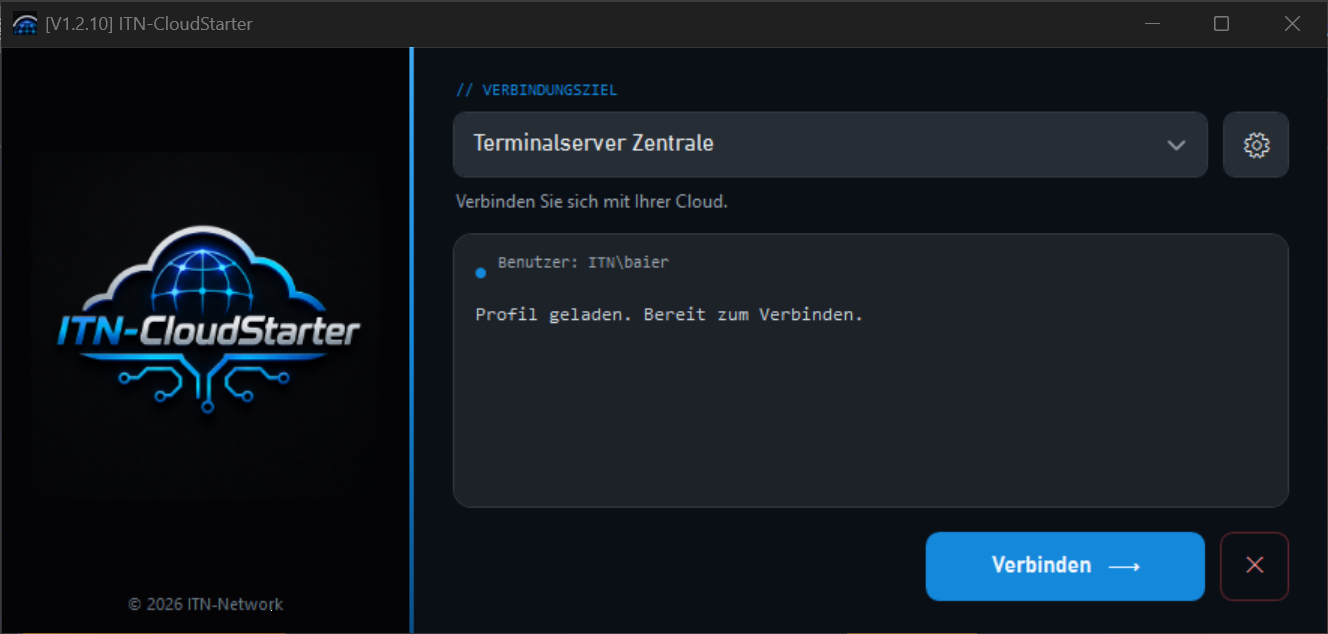
A launcher instead of a pile of shortcuts
Instead of maintaining a separate .rdp file for every server,
passwords saved in plain text or awkward mstsc shortcuts, you define
as many of your own destinations as you like in ITN-CloudStarter –
terminal servers, RDS farms, individual workstations – and launch them with a click.
The application is a single signed .exe, runs without installation, stores
all credentials encrypted, and can be branded entirely for your company and rolled out
across the network.
The interface of ITN-CloudStarter is currently available in German.
Everything an RDP workstation needs
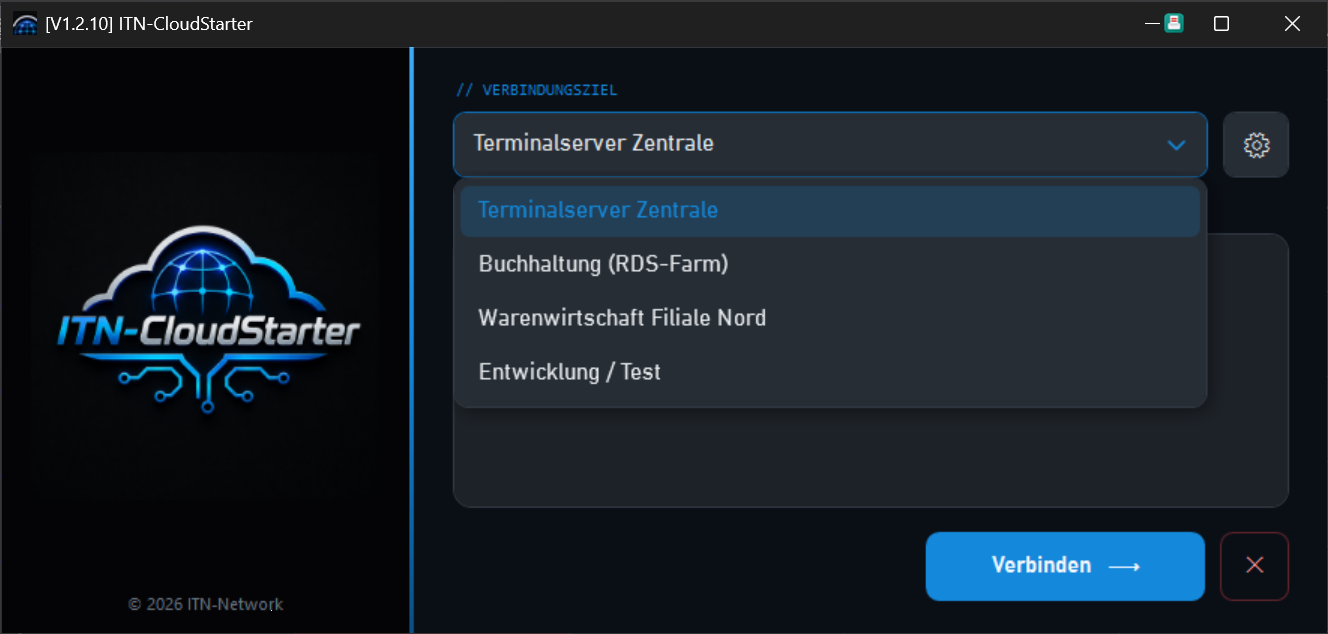
As many destinations as you like – managed centrally
Set your entire server estate up as named profiles. Host, user, sign-in method and every RDP option per destination – neatly sortable in one list, ready to launch from the selection menu.
- Unlimited number of connection destinations
- Sort them freely, with your default at the top
- Password-protected destination management (admin area)
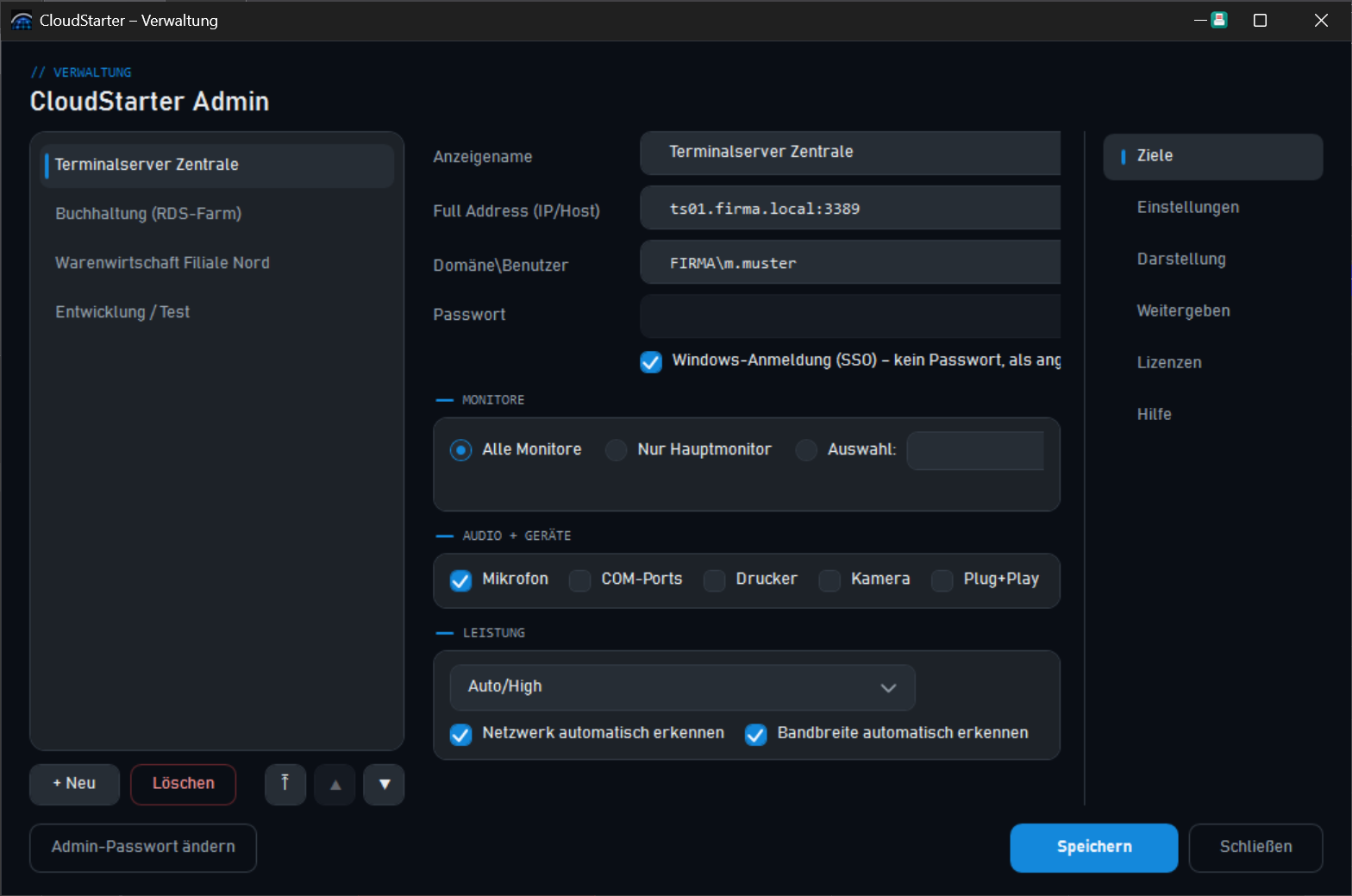
Administration & settings in one place
A protected admin area brings it all together: creating and editing destinations, device and audio redirection, multi-monitor behaviour, appearance and branding, distribution and licensing – with no fiddling in the registry.
- Device redirection: printers, smart cards, COM, USB/PnP, clipboard, WebAuthn
- Audio playback & recording configurable
- Network profile from modem to LAN
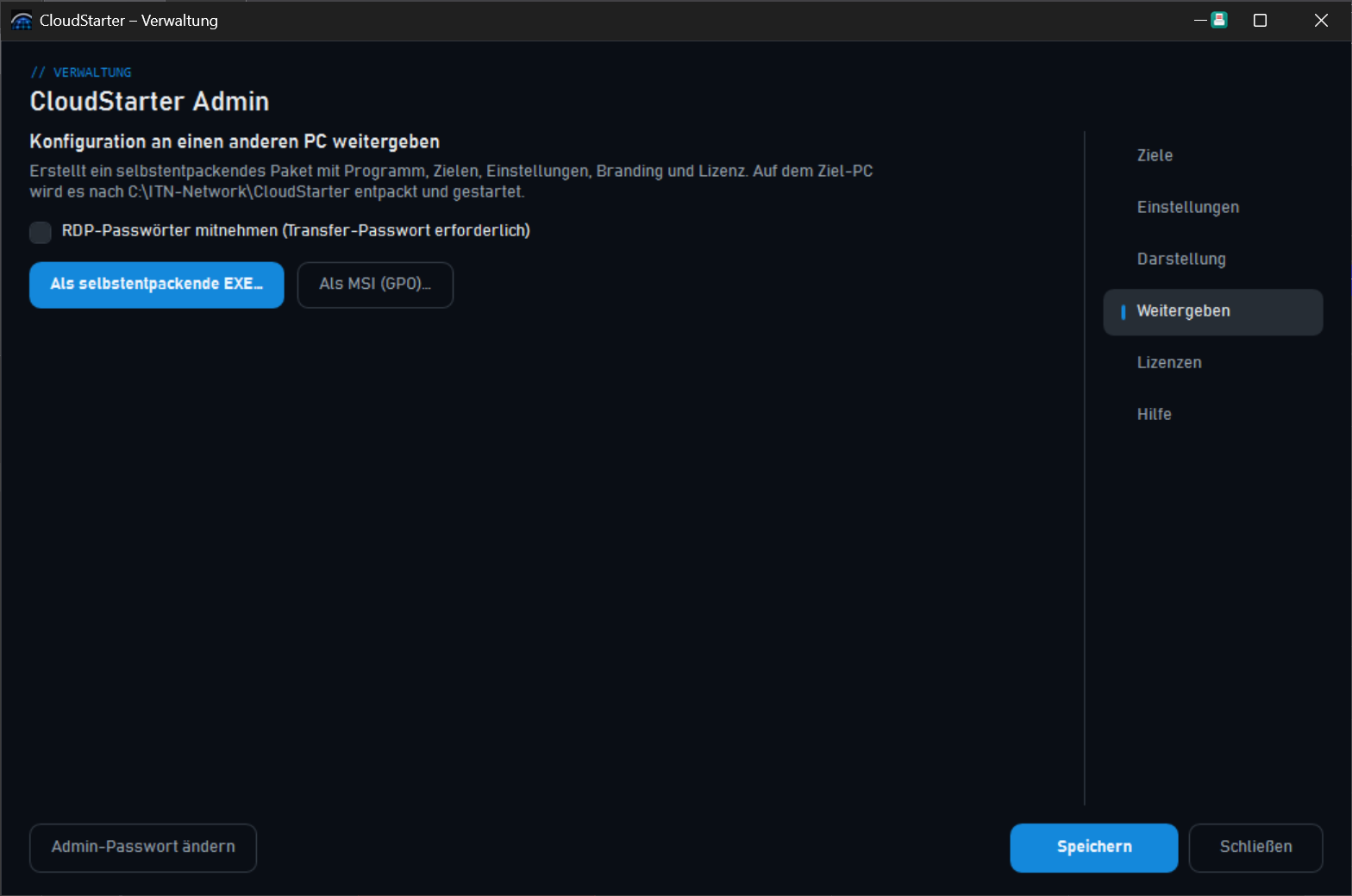
Set it up once, roll it out to the team
Pass your finished configuration on to colleagues – as a self-extracting package including all destinations and the licence, as a per-machine MSI, or by group policy (GPO/ADMX) across the whole Active Directory.
- Self-extracting handover package (destinations + licence included)
- MSI for software deployment, generated from the app itself
- Central destinations & locks by group policy
At a glance
Your own destinations
Create, name and sort as many connection profiles as you like.
Hybrid connection
Single monitor without a security warning, multi-monitor with genuine /multimon.
No warnings
Publicly signed – no „unknown publisher", no RDP publisher warning.
Passwords kept safe
DPAPI-encrypted, tied to the user and the PC – never in plain text on disk.
Single sign-on
Connect per destination as the signed-in domain user – with no stored password at all.
Device redirection
Printers, smart cards, COM, USB/PnP, cameras, audio, clipboard – your choice.
Automatic updates
New versions are checked, downloaded, verified by SHA-256 and replaced automatically.
Your own branding
Sidebar and splash logo as well as the product name can be swapped per customer.
Deployment
Handover package, MSI and GPO/ADMX – rollout from a single desk to the whole AD.
Secured with some thought
ITN-CloudStarter relies consistently on what Windows already provides and leaves behind no global traces that would affect other RDP connections.
System requirements
| Operating system | Windows 10 / 11 (64-bit) |
| Installation | None needed – a single signed .exe (self-contained, .NET 8 embedded) |
| Connection | Microsoft RDP (TCP 3389) to your own servers |
| Configuration | Portable, alongside the EXE; passwords DPAPI-encrypted |
| Deployment | Handover package · per-machine MSI · group policy (ADMX) |
| Updates | Automatic, over a secured update server |
| Manufacturer | ITN-Network GmbH, Neumünster, Germany |